





 Scan with your phone to install Tellu
A video call with a friend in another country, with your family while you study abroad, or with your partner on a work trip: from today, video calls in Tellu are here, free between users, over Wi-Fi or mobile data.
Direct between the two phones
With your friends the call connects directly between the two phones whenever possible, because the shortest path means a clearer picture and less delay, and 🔒 Encrypted shows at the top of the screen. With strangers and Bridge guests the call always goes through Tellu’s server.
How to start
- Open the chat or your friend’s profile.
- Tap Video.
- The first time, Tellu asks for camera and microphone permission.
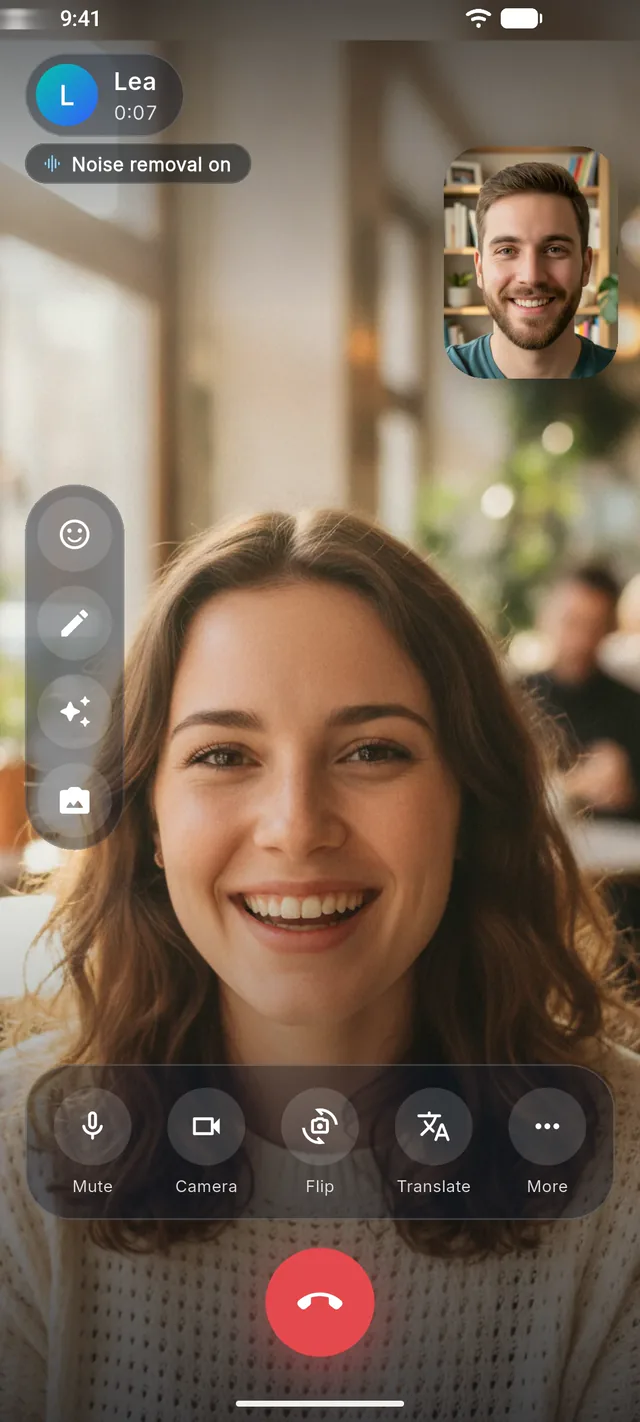
Their video fills the screen and yours sits small in a corner; drag it to either side. From the bottom bar you can mute, turn your camera off, flip between front and back, or turn on written translation (Beta).
“Protect my address”
A direct call means the other person can see your internet (IP) address, as with well-known calling apps. If you don’t want that, open More → Privacy → Protect my address in calls, and all your calls go through Tellu’s server, at slightly lower quality.
And since then
We’ve added answering a video call with voice only, switching a voice call to video without hanging up, and then effects, gestures and drawing on the screen. You can also choose, per person or circle: all calls, voice only, or no calls.
Everything about calls is on the Calls page.