





Your papers in order
Your private details hidden
Snap a passport or a contract and it’s cropped, straightened and turned into a PDF. The privacy shield spots what you might not want to show, like faces, numbers and IBANs, and hides it before you send.
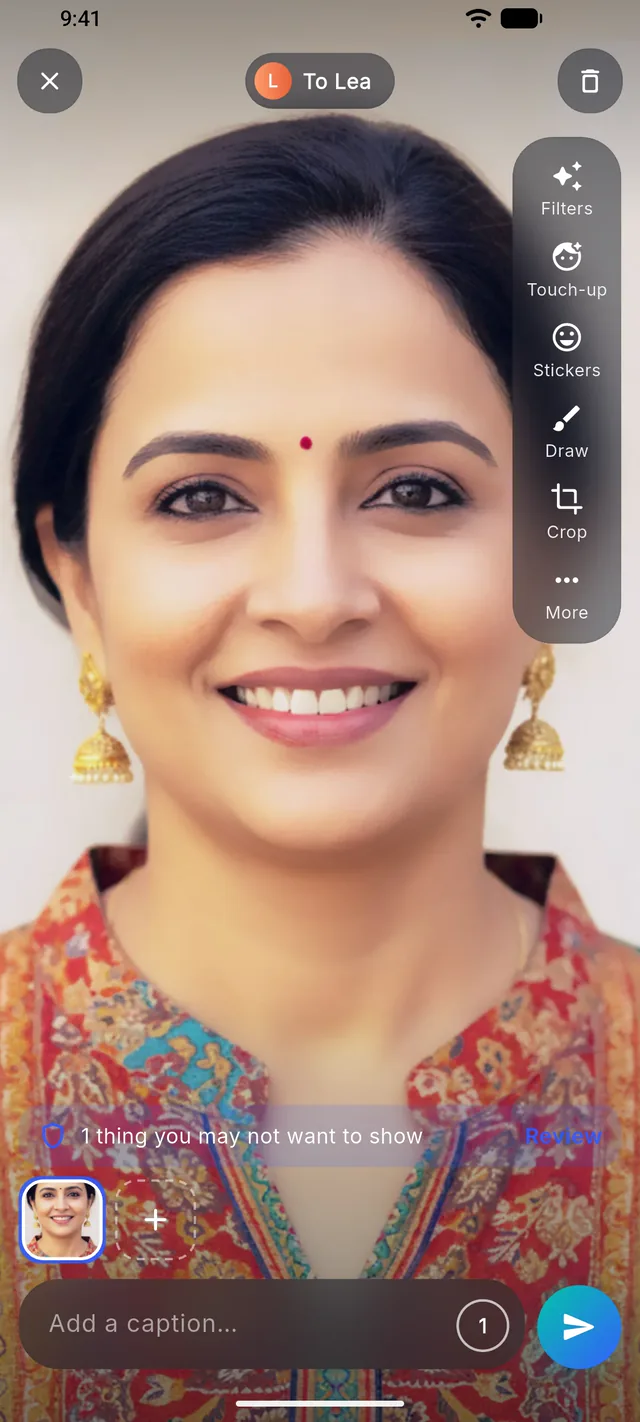
From paper to a clean PDF
A passport, a contract, a letter: cropped and straightened automatically. Combine several pages into one PDF, or send them as images.
- Automatic crop and straightening
- Several pages in one PDF
- Checked by the privacy shield before sending
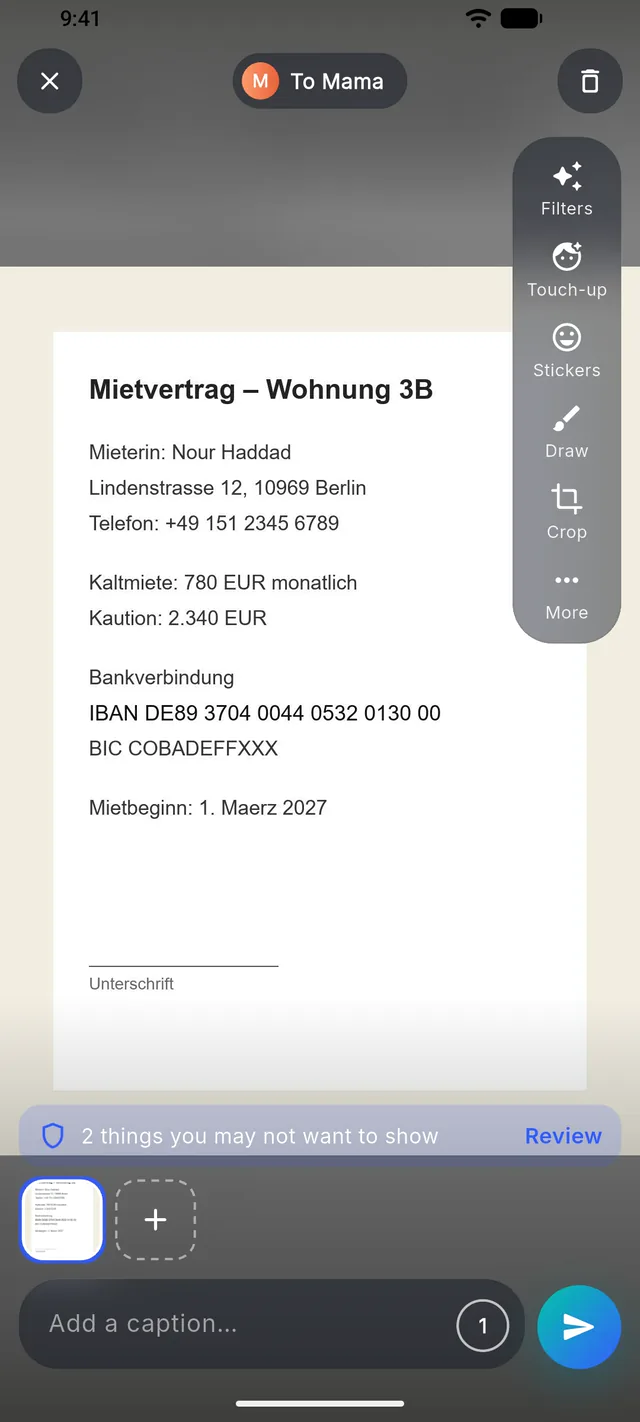
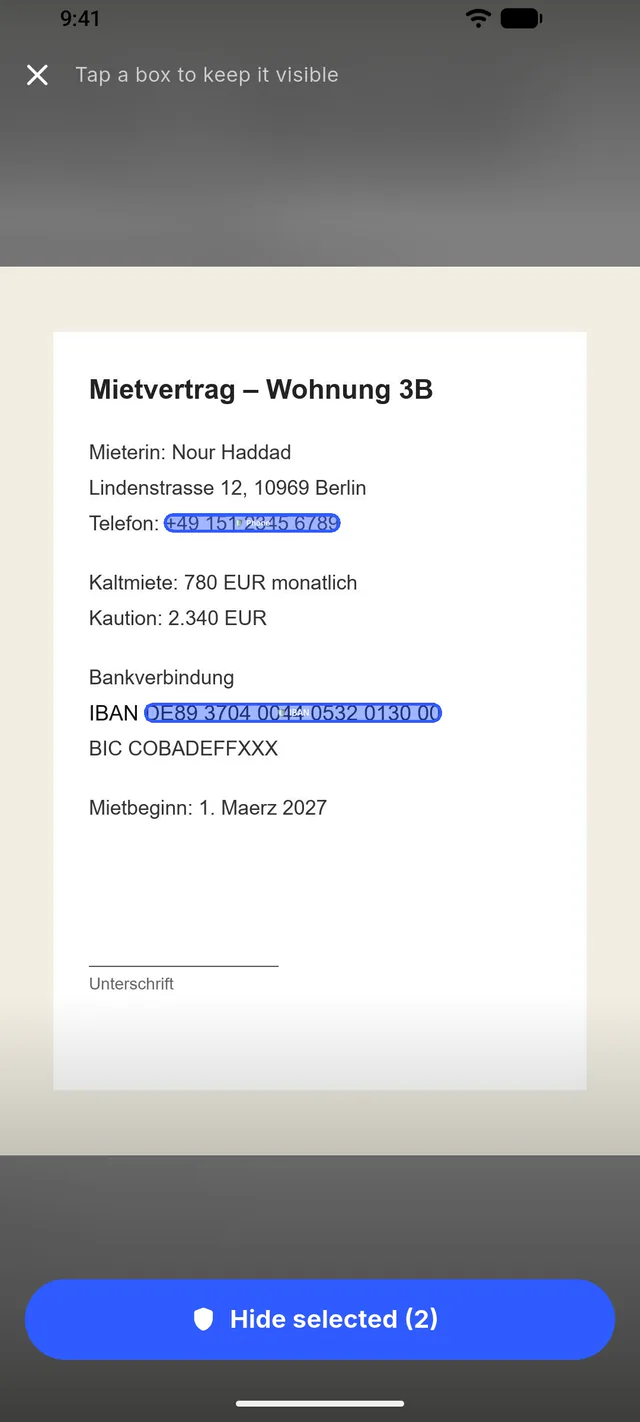
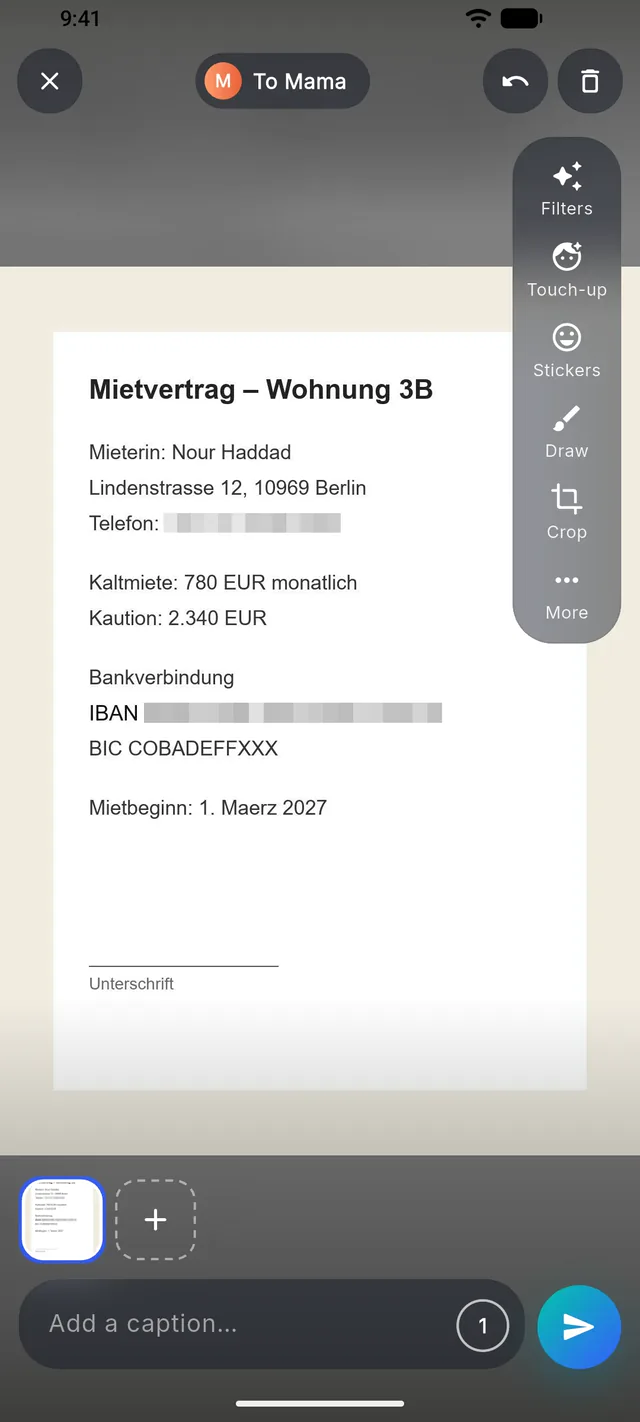
Before you send, see what you’re showing
Tellu checks the photo on your phone and marks faces, phone numbers, cards, IBANs, email addresses, license plates and other numbers. Tap a box to keep it visible, then “Hide selected”, and the rest is blurred before sending.
- Face · phone · card · IBAN · email · plate
- Checked on your phone
- You choose what’s hidden
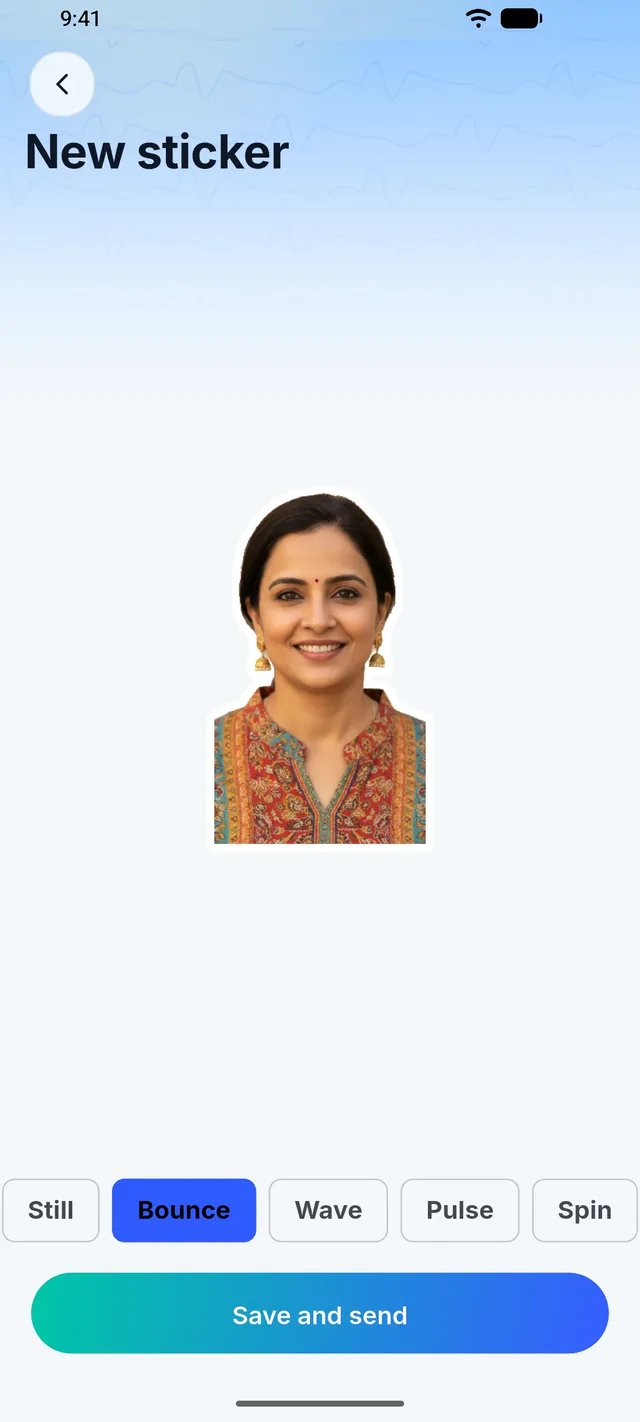
Turn your photo into a moving sticker
Cut a person out of a photo with a white outline, pick a simple animation, then “Save and send”: it becomes a personal sticker you can use in any chat.
- Automatic cut-out
- Animations: bounce, wave, pulse, spin
- Your own sticker library
Three steps and you’re in
Tap +
And choose “Scan”.
Photograph the pages
They’re cropped for you.
Check the shield and send
As a PDF or images.
Are my photos uploaded to be checked?
No, the check happens on your phone.
What’s the maximum file size?
100 MB.
Your people are one message away
Get Tellu for free. Messages and calls between Tellu users are always free.
 Scan with your phone camera to get Tellu