





Photos, videos and documents
Across your devices too
Send photos, videos up to 10 minutes, documents up to 100 MB and voice notes. And the “My devices” chat moves your notes and files between your phone and your computer.
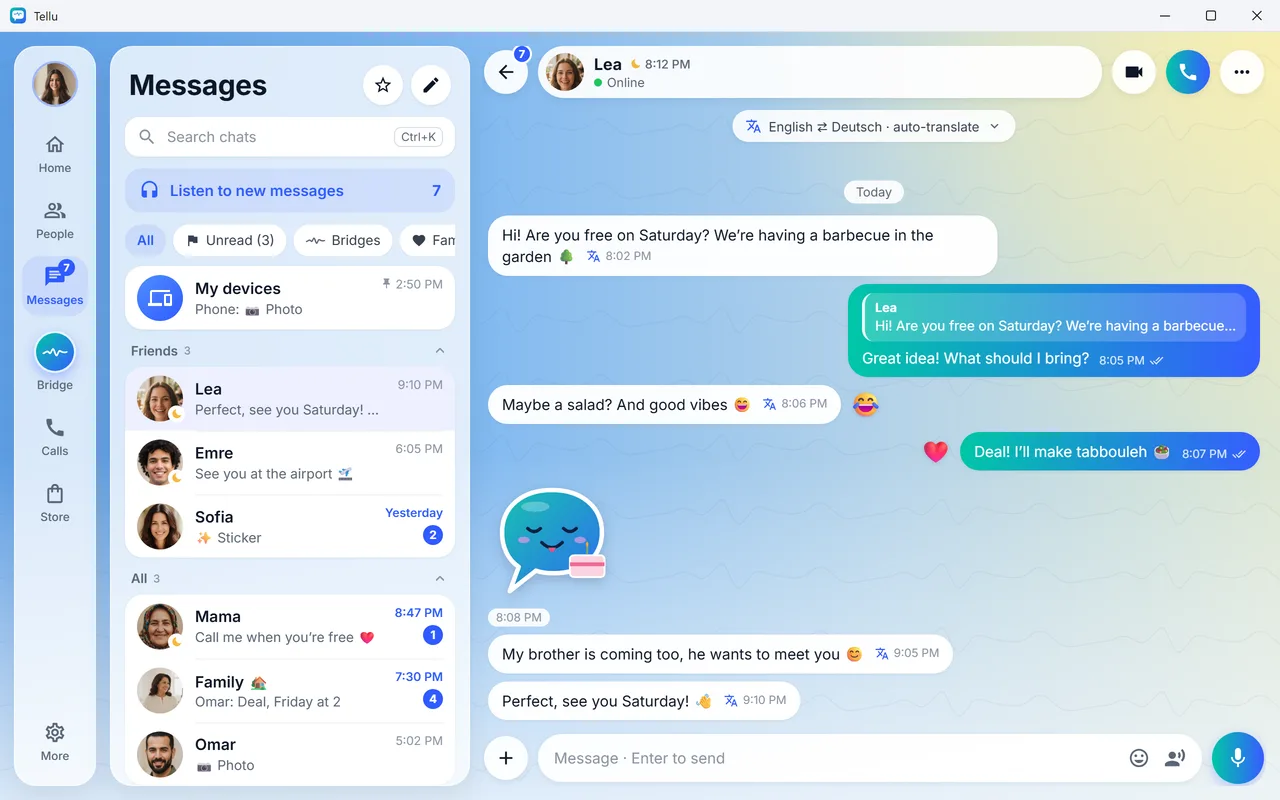
Send what you need, as it is
Photos, videos up to 10 minutes, documents and files up to 100 MB, and voice notes. We remove the location and camera data from every photo before it’s sent.
- Videos up to 10 minutes
- Files up to 100 MB
- Location removed from photos automatically
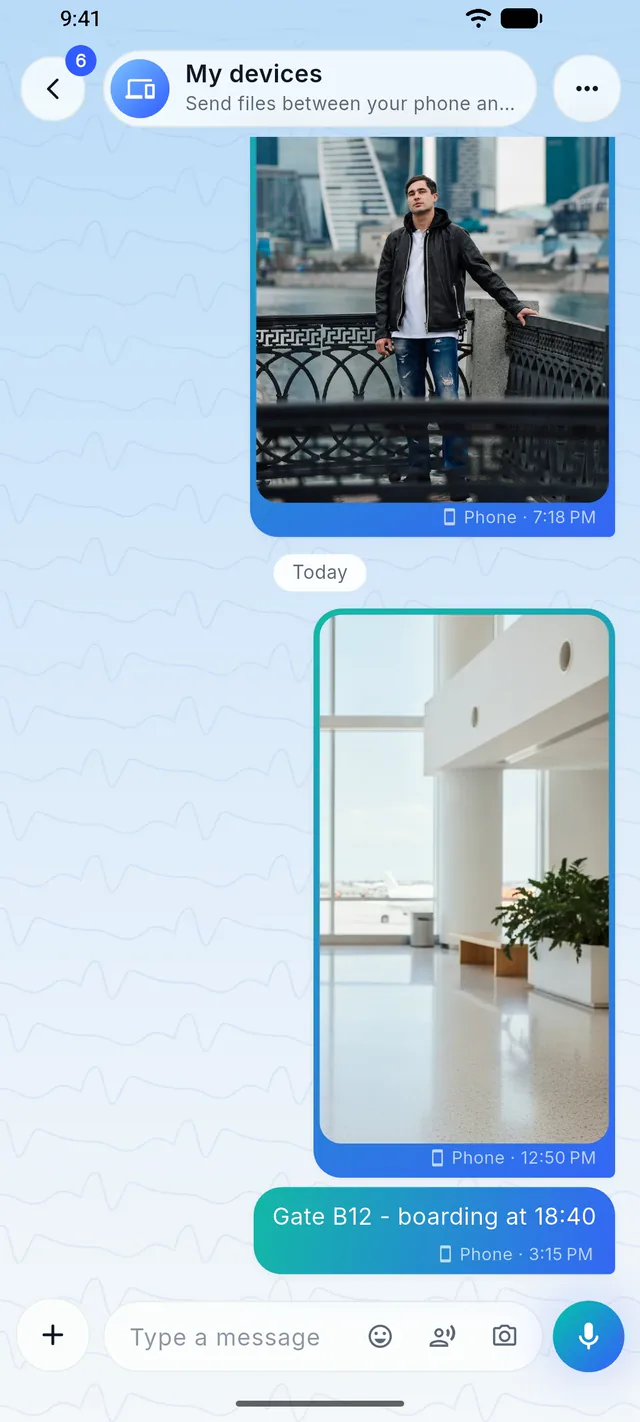
From phone to computer. No email, no cable
Once you link a computer, the “My devices” chat appears. Whatever you send there shows up on your phone and your linked computers, with the name of the device that sent it.
- Notes, photos and files across your devices
- The device name on every message
- Pin it to the top if you like
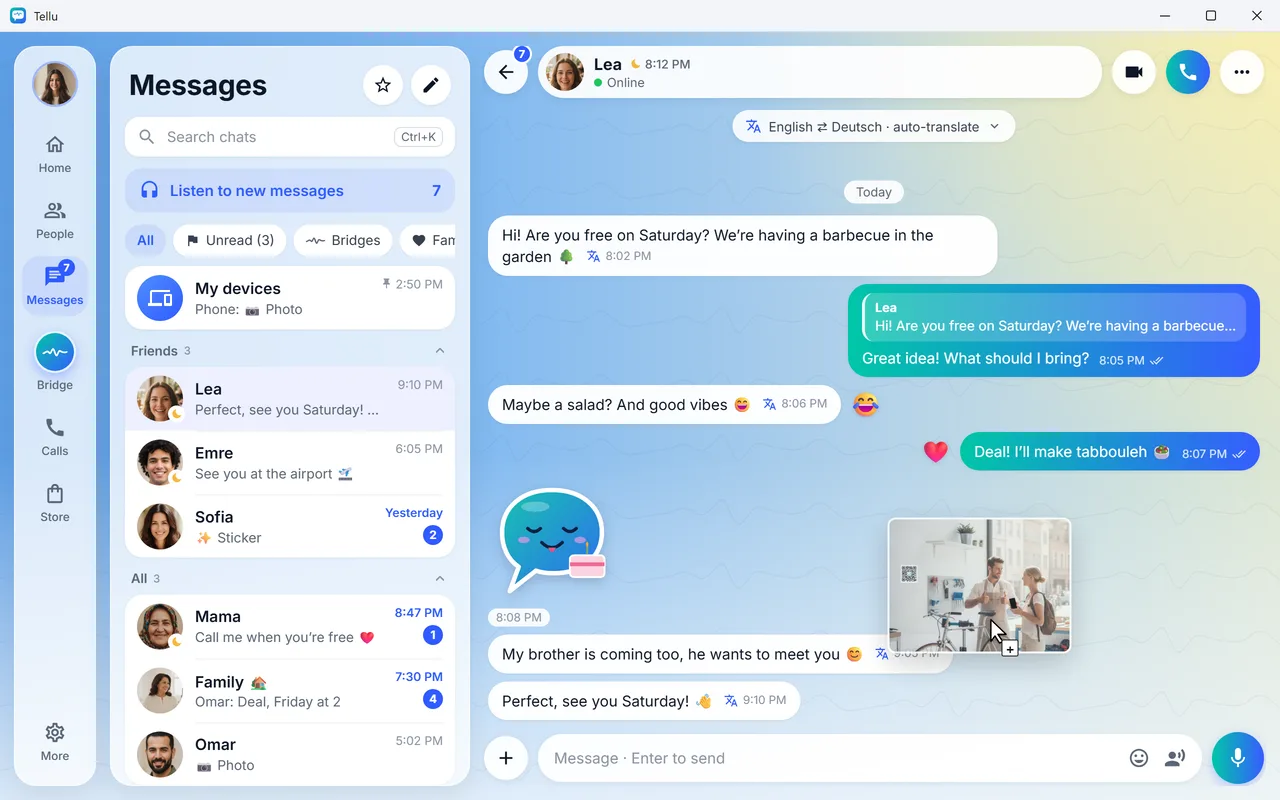
Drag and drop, or paste
In the Windows app and in Tellu Web, the same way: drag photos, MP4 videos or documents up to 100 MB into the chat, or paste an image or screenshot with Ctrl+V in the message field. It opens in a preview before sending, with filters, drawing, crop and a caption.
- Works the same on Windows and Tellu Web
- Paste an image with Ctrl+V
- Preview and edit before sending
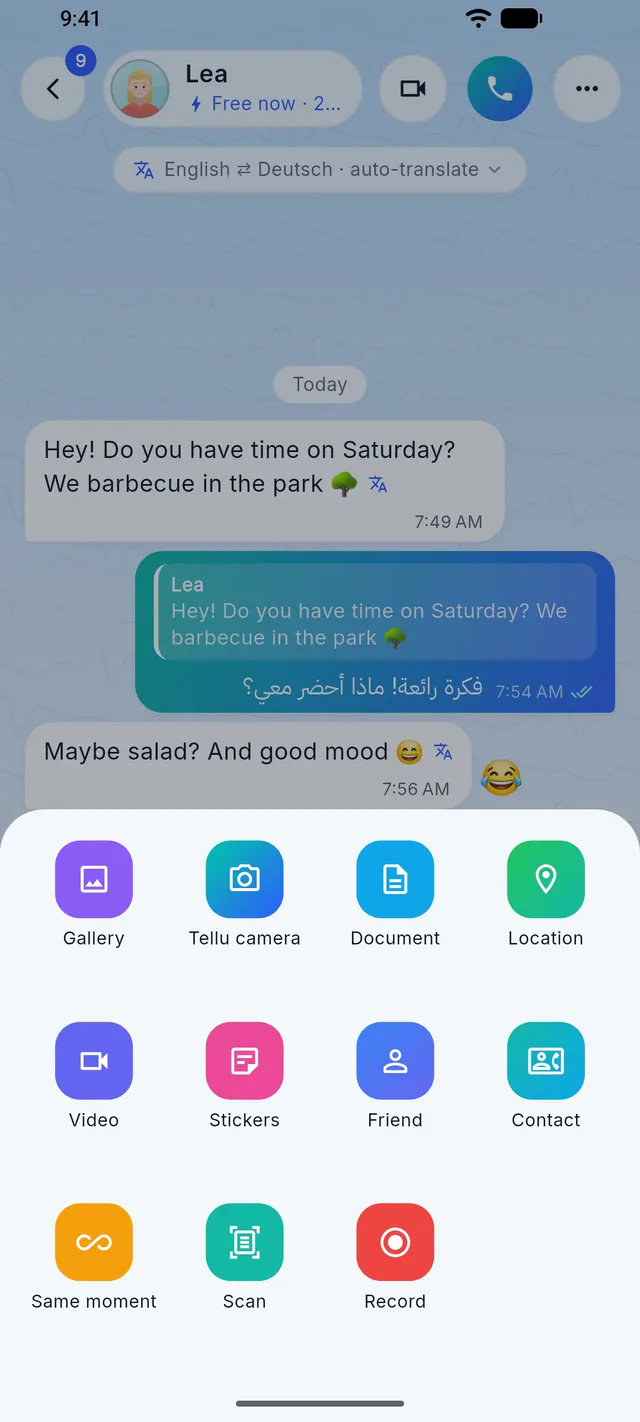
Three steps and you’re in
Tap +
In any chat.
Choose a photo or file
Or scan a document.
Send
Photos and documents arrive as they are.
Before you ask
What’s the maximum file size?
100 MB per file, and up to 10 minutes for videos.
Do files reach my computer?
Yes, if you’ve linked a computer. Files from encrypted chats stay on the phone only.
Is location data removed from photos?
Yes, from every photo you send and from profile photos.
Your people are one message away
Get Tellu for free. Messages and calls between Tellu users are always free.
 Scan with your phone camera to get Tellu