





Just for the two of you
Not even us
Encrypted chats are encrypted on your phone using the Signal protocol design (X3DH and Double Ratchet). Photos and voice messages are encrypted too, each file with its own key. Messages and keys stay on this phone only.
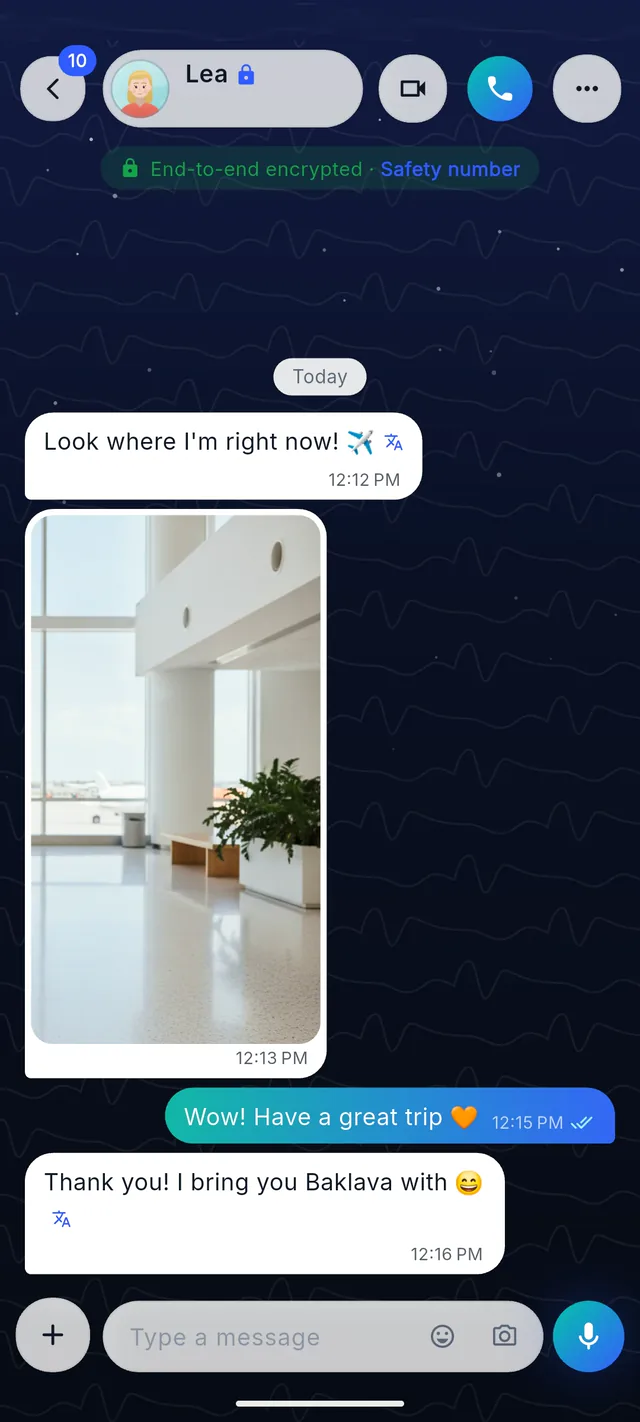
The keys live on your phone, not our servers
Every message is encrypted before it leaves your phone, and only your friend’s phone can decrypt it. That’s why messages and keys don’t move to a new phone or show on linked computers. AI tools and smart translation are off here; on-device translation still works.
- X3DH and Double Ratchet
- Stays on the phone only
- No cloud translation inside
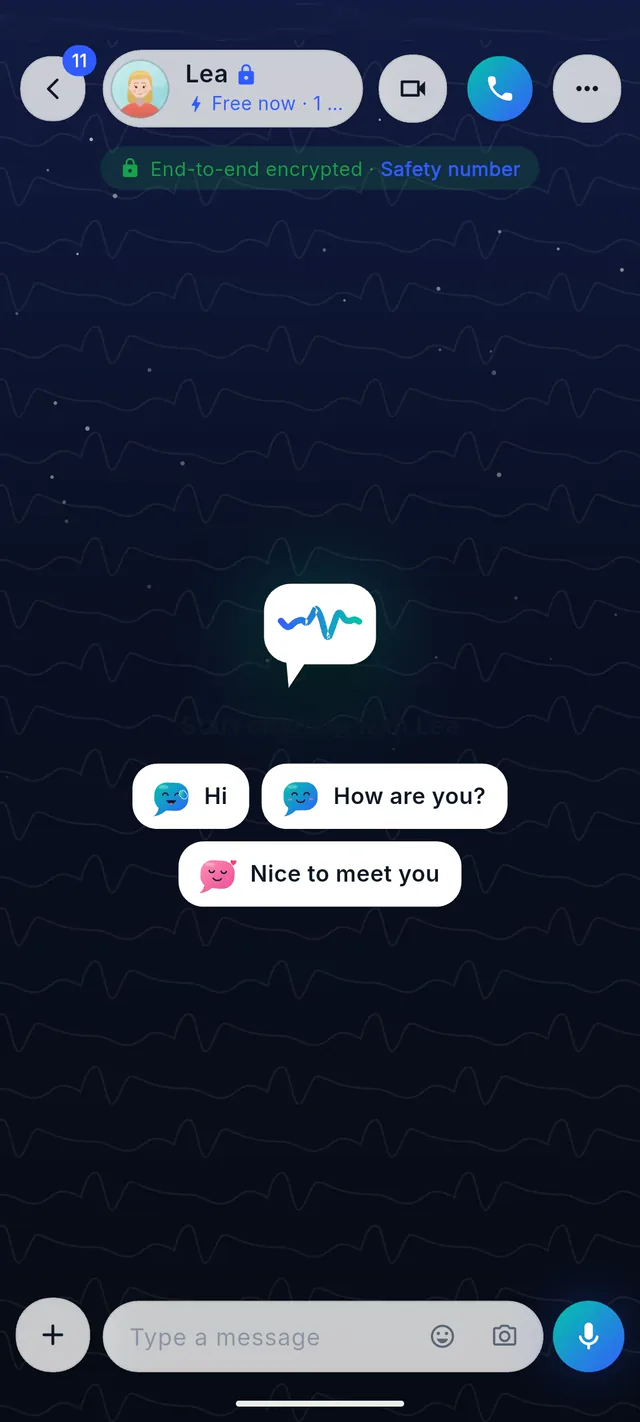
Make sure it’s really them
After the first message, a safety number appears. Compare it face to face or scan each other’s code, and you know no one is in between.
- A safety number for each chat
- Compare by numbers or by code
- An alert if it changes
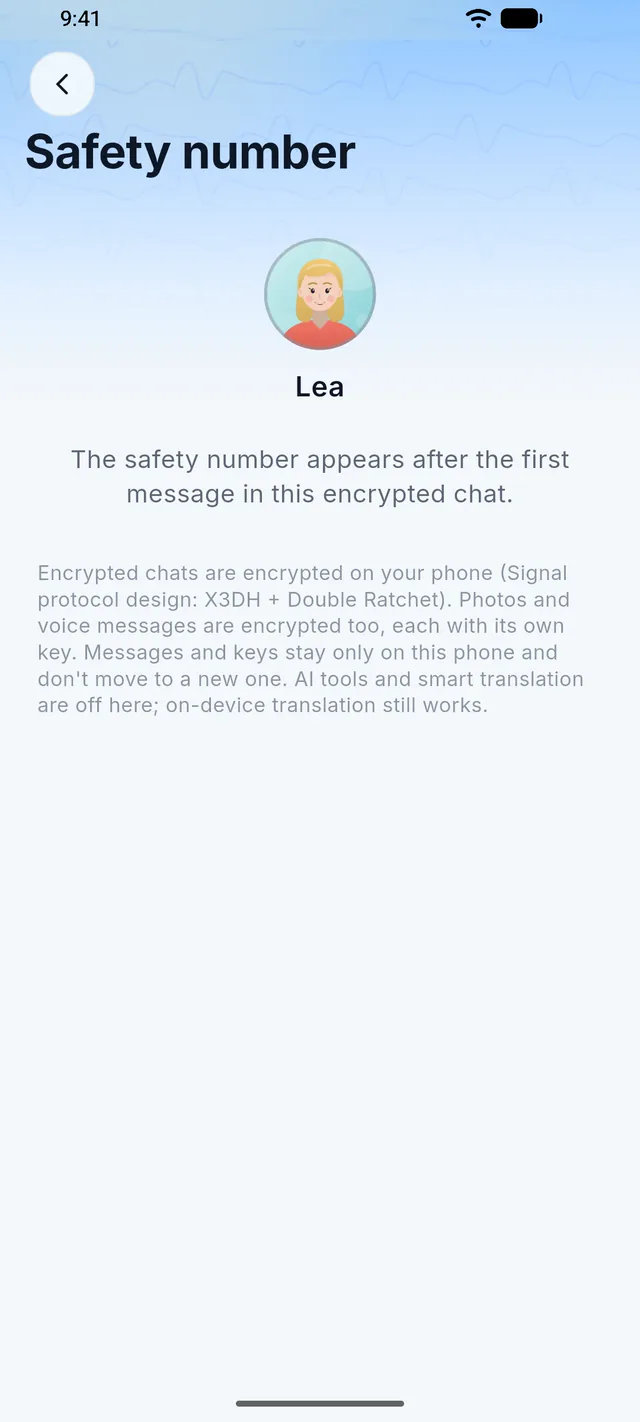
Seen once, then gone
A secret photo stays blurred until your friend long-presses it. It opens once, screenshots are blocked while it’s shown, and then its file is deleted from the server. The sender doesn’t keep a copy either.
- Blurred until a long press
- Opens only once
- Screenshots blocked while viewing
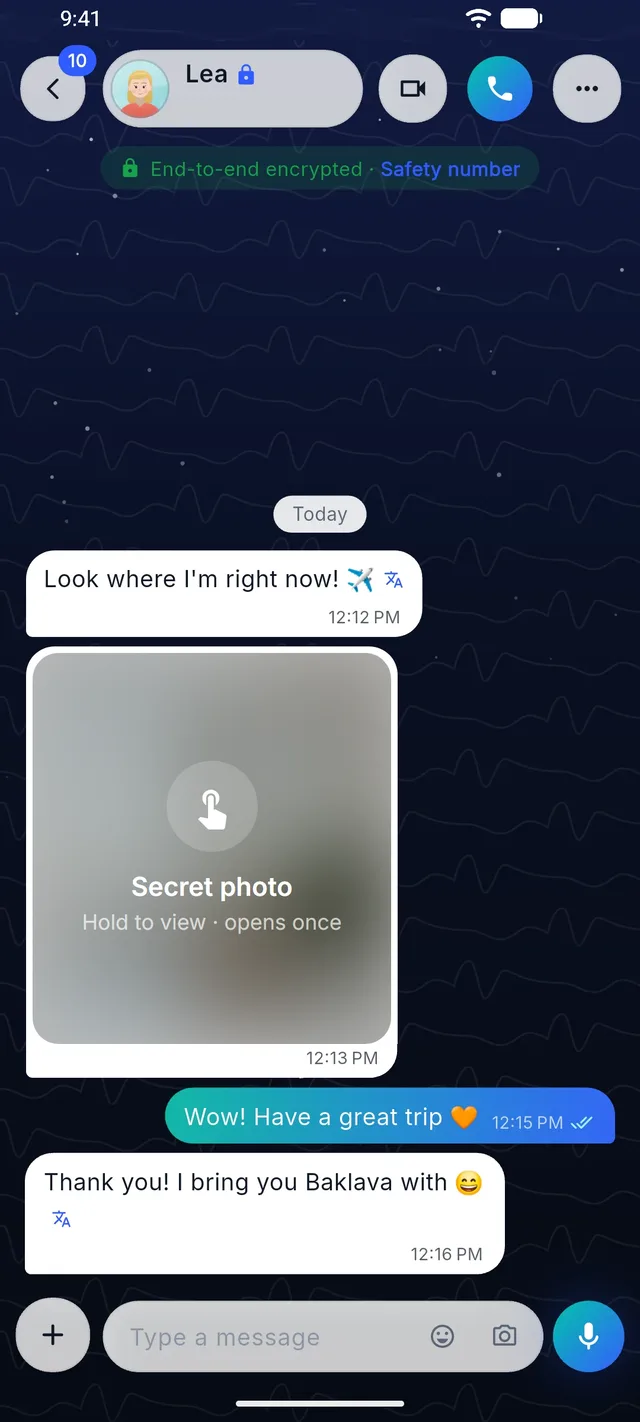
Lock it, or make it disappear
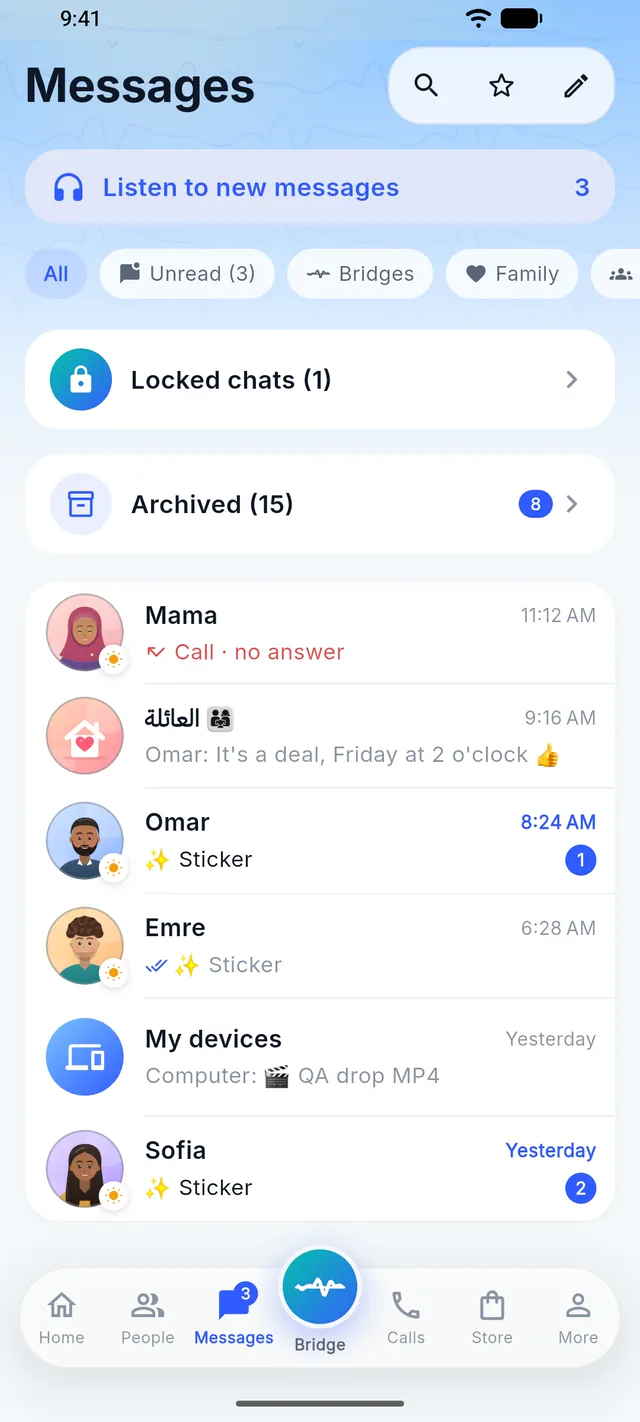
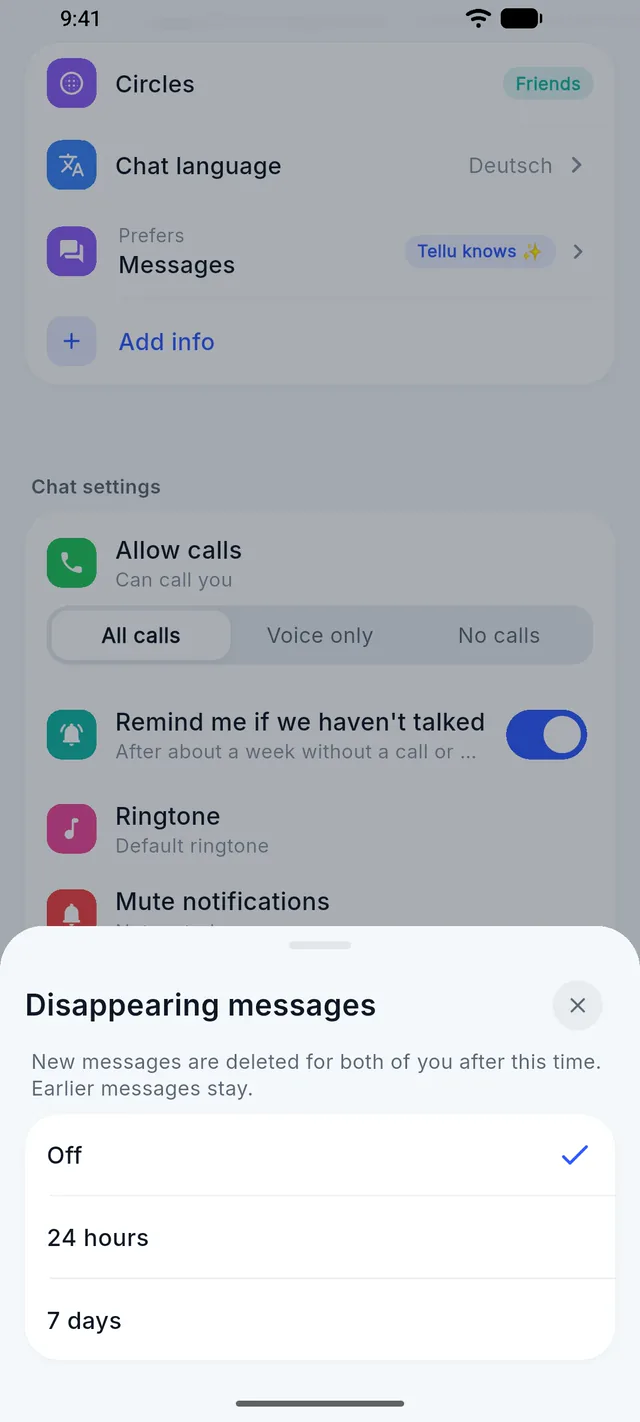
Lock any chat with your fingerprint or screen lock, and it shows as “🔒 Locked chat” in the list. And make new messages disappear for both of you after 24 hours or 7 days.
- Fingerprint lock
- Messages that disappear after 24 hours or 7 days
- Locked chats in their own folder
Three steps and you’re in
Open your friend’s page
Or the chat menu.
Choose “Encrypted chat”
Keys are created on both phones.
Compare your safety number
Once, face to face.
Are regular chats end-to-end encrypted?
No. Regular chats are encrypted in transit and on our servers, so translation and syncing with your computer can work. End-to-end encryption is for encrypted chats only.
Why can’t I see them on my computer?
Because their keys are on your phone only.
What happens if I change phones?
Encrypted chat messages and keys don’t move over, and you start a new encrypted chat.
Your people are one message away
Get Tellu for free. Messages and calls between Tellu users are always free.
 Scan with your phone camera to get Tellu