





Everything in its place
What’s private, locked
Star a message to come back to it, archive what’s done, lock a private chat with your fingerprint, and make messages disappear after 24 hours or 7 days.
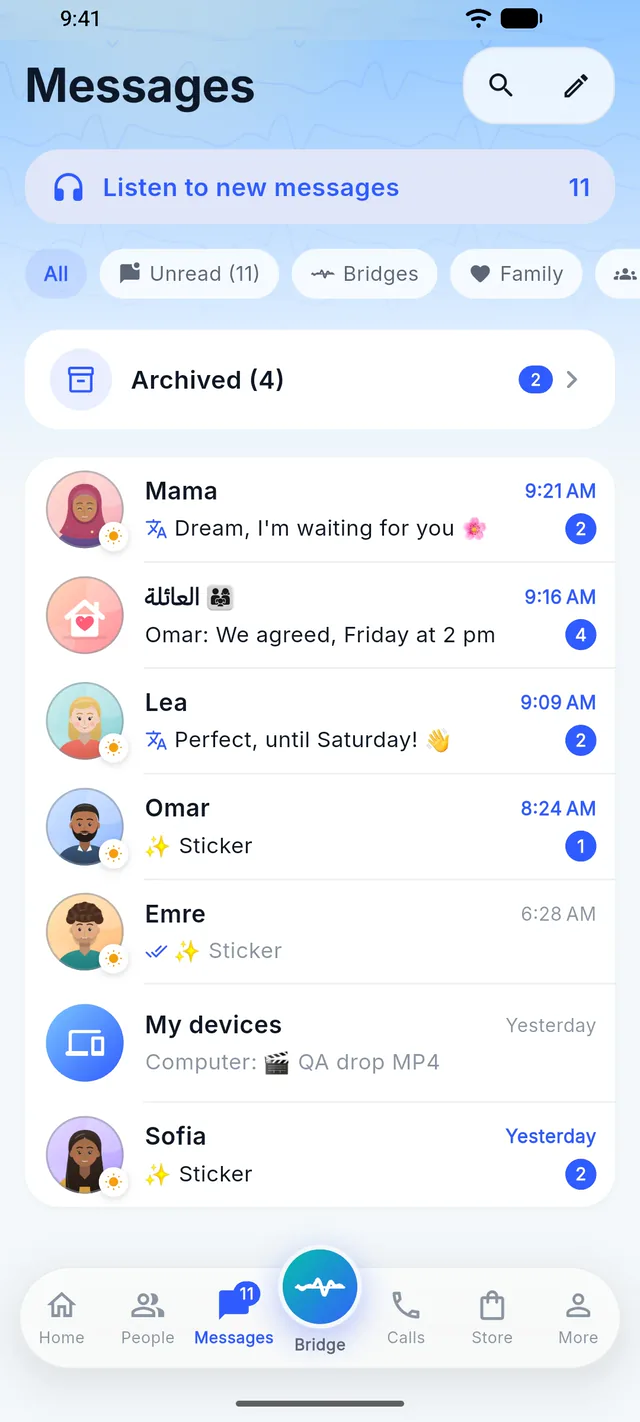
That address they sent? Found in a second
Long-press a message and choose Star, and you’ll find it in Starred messages with the sender’s name and the date.
- From any chat
- Sorted by date
- Opens the message where it was
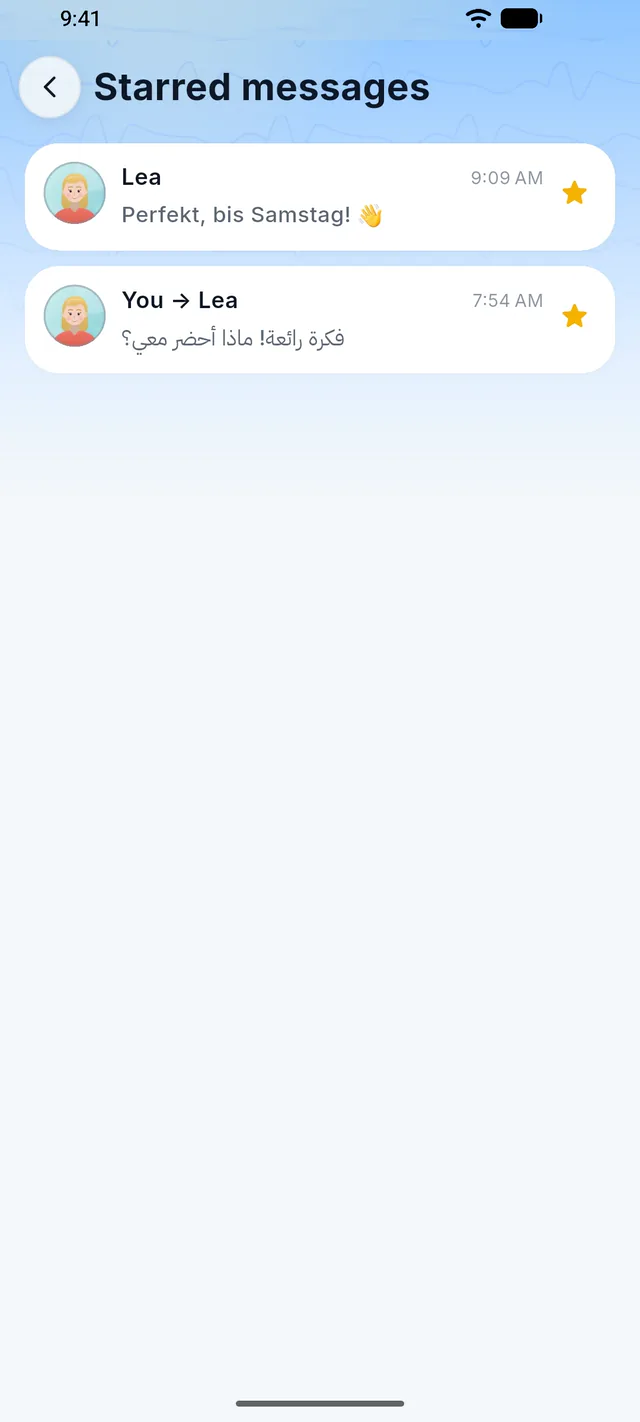
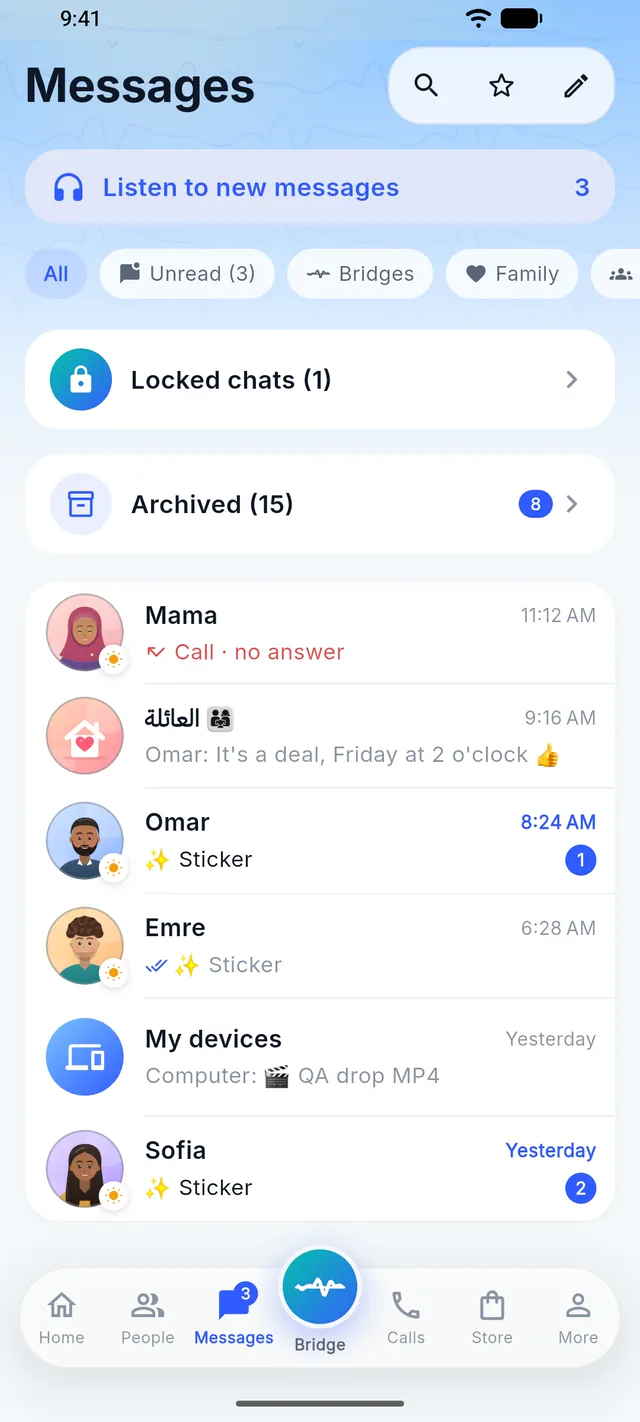
Done chats, out of the way
Archived chats aren’t deleted; they wait quietly in Archived. Chats from closed Bridges are archived automatically.
- Nothing deleted
- Closed Bridge chats, automatically
- Restore in one tap

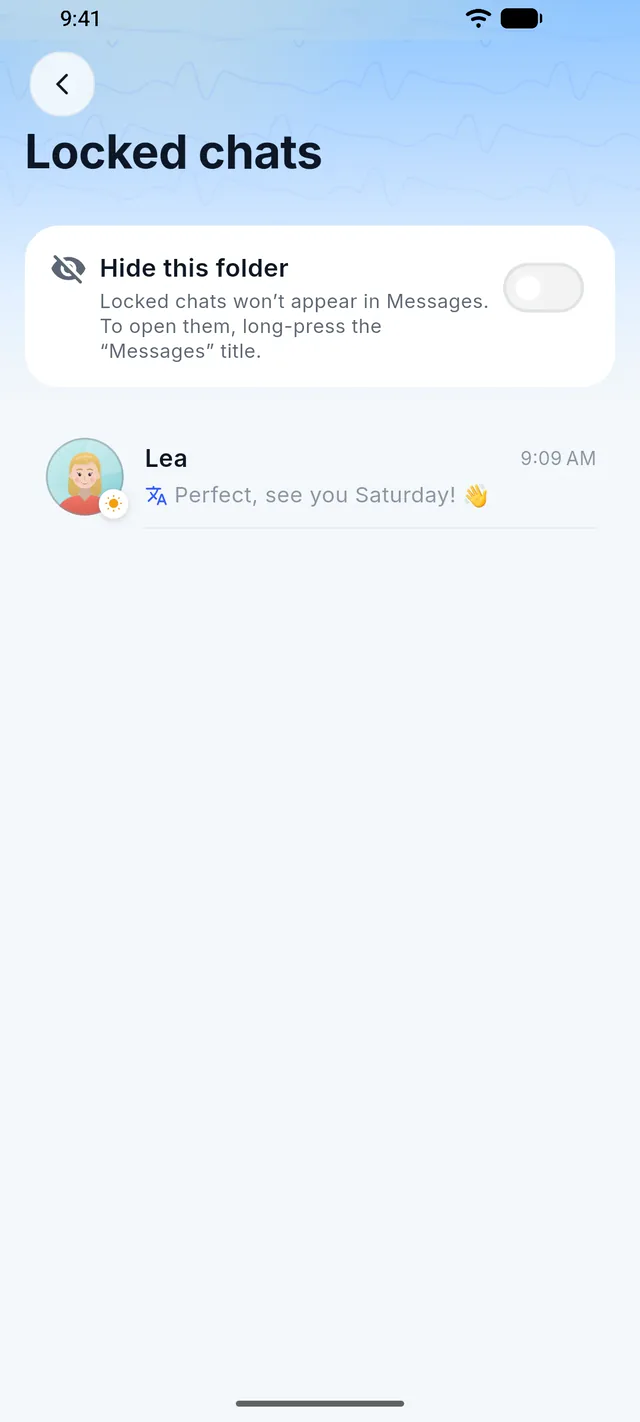
Truly private
Lock a chat with your fingerprint or screen lock and it shows as “🔒 Locked chat”. And turn on disappearing messages, so new messages vanish for both of you after 24 hours or 7 days.
- Fingerprint lock
- Disappear after 24 hours or 7 days
- Earlier messages stay
Three steps and you’re in
Long-press
A message or a chat.
Choose
Star, archive or lock.
Find it
In its own section.
Does locking hide notifications?
Yes. They show “🔒 Locked chat” instead of the text.
Does chat lock need a screen lock?
Yes, your phone needs a screen lock.
Your people are one message away
Get Tellu for free. Messages and calls between Tellu users are always free.
 Scan with your phone camera to get Tellu