





Tellu in your browser
Nothing to install
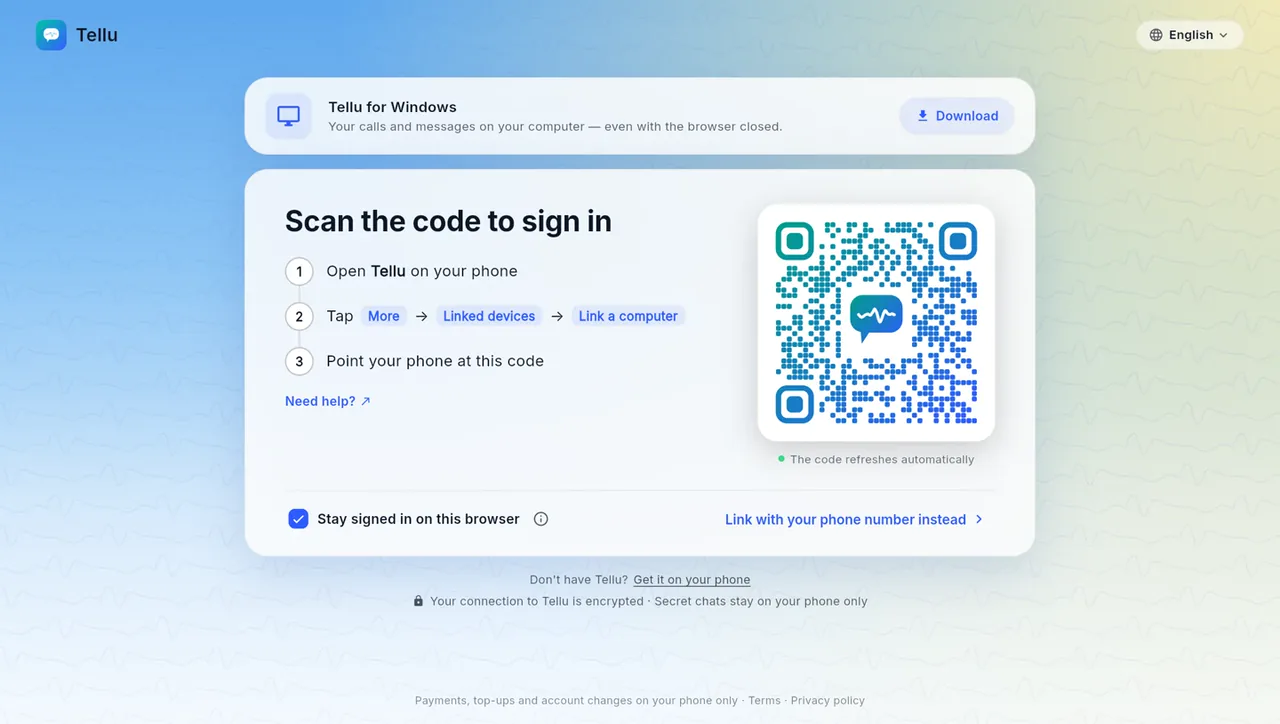
On a Mac, Linux or a work computer: open Tellu Web, scan the code with your phone, and carry on with your chats.
Sign out from your phone
If you use Tellu Web on a computer that isn’t yours, unlink it from your phone when you’re done and it signs out at once. Or untick “Stay signed in on this browser” before you scan: nothing is saved and it signs out by itself.
- Unlink from your phone
- Sign-in history you can see
- Money stays on the phone
Drag and drop, or paste
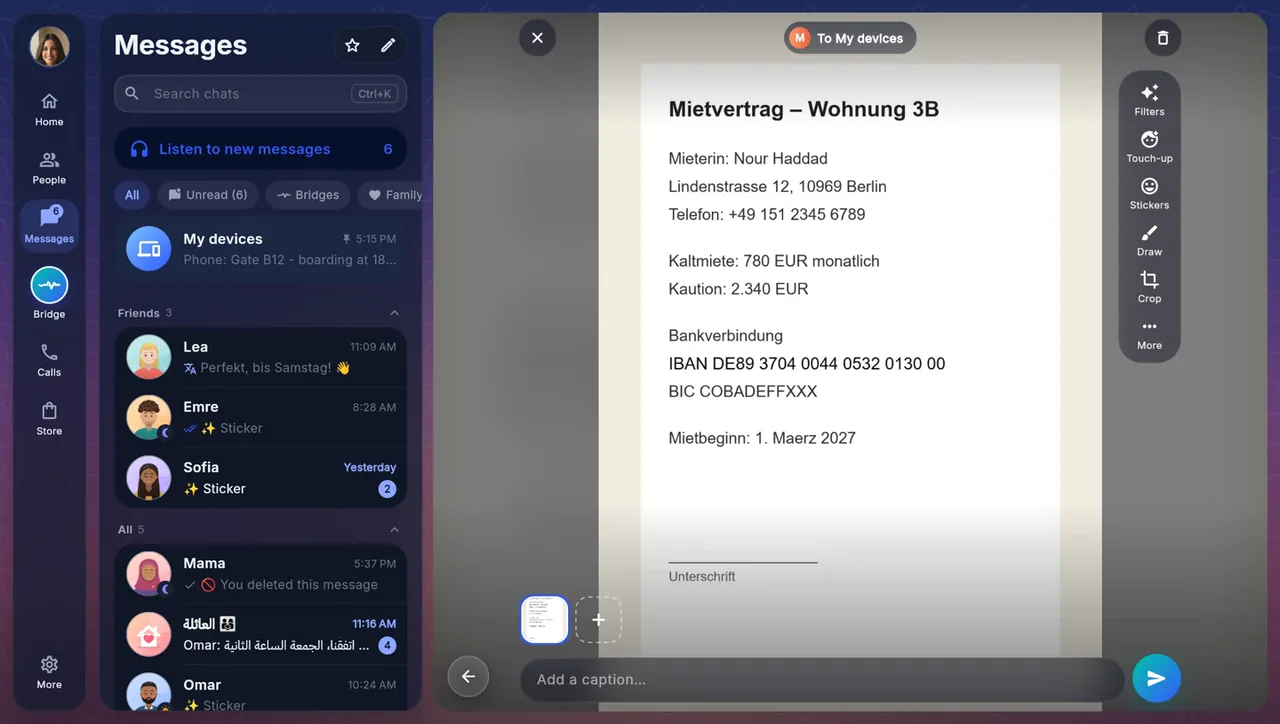
Drag photos, MP4 videos or documents up to 100 MB into the chat, or paste an image or screenshot with Ctrl+V in the message field, just like in the Windows app. You get a preview before sending.
- Photos, MP4 videos and documents
- Up to 100 MB per file
- Paste with Ctrl+V
Scan the code and pick up where you left off
Linking takes less than a minute, and you can unlink from your phone any time.
- Open Tellu on your computer
A QR code appears on screen.
- Scan it with your phone
More → Linked devices → Link a computer, then confirm.
- Linked
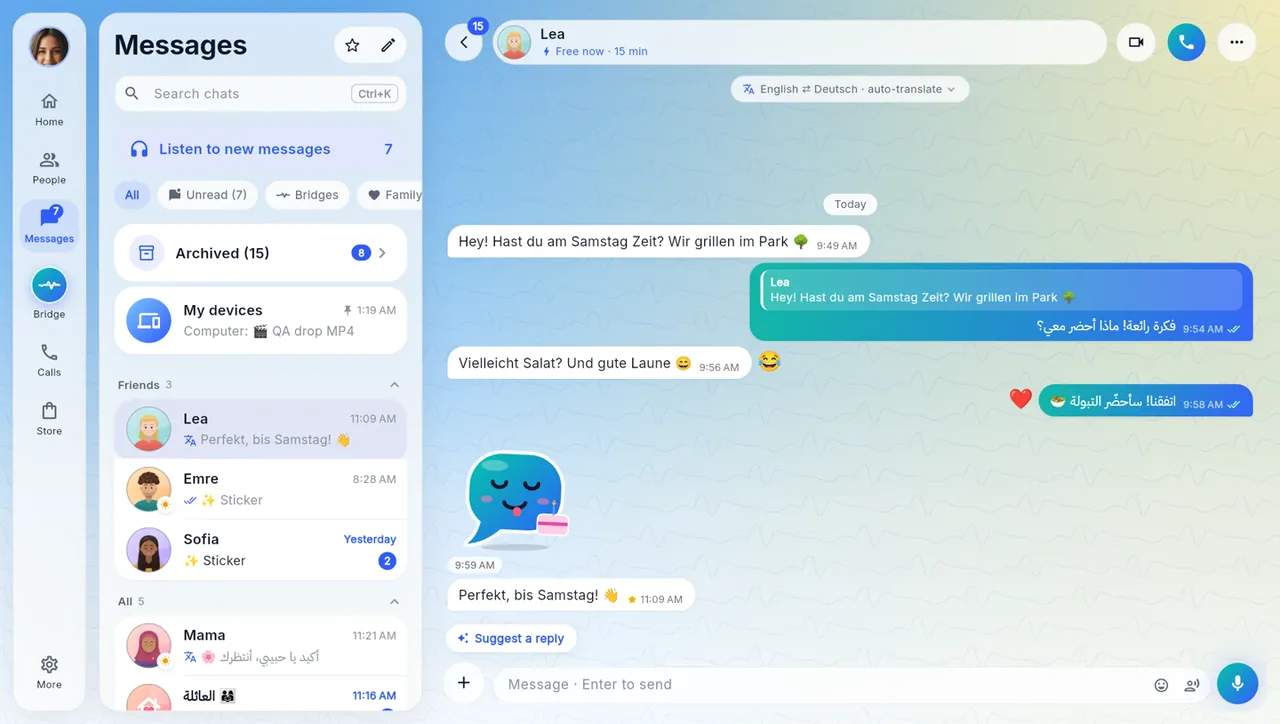
Your chats are on the computer, and calls ring on both.
Before you ask
Guides in the help center
Tellu Web: private or public computer“My devices” and moving files between your devicesDo I need to install anything?
No, your browser is enough.
How is it different from the Windows app?
The Windows app is installed on your computer and rings for calls. Tellu Web runs in the browser, and your chats work there with nothing to install.
Your people are one message away
Get Tellu for free. Messages and calls between Tellu users are always free.
 Scan with your phone camera to get Tellu