





My Tellu ID & QRAdd me with a scan
Add me with a scan
No phone number needed
Every account has a username and a QR code. Share your Tellu ID instead of your numbers and accounts, or scan a friend’s code with the Tellu camera and they’re in People right away.
Your own QR code@usernameYour number stays private
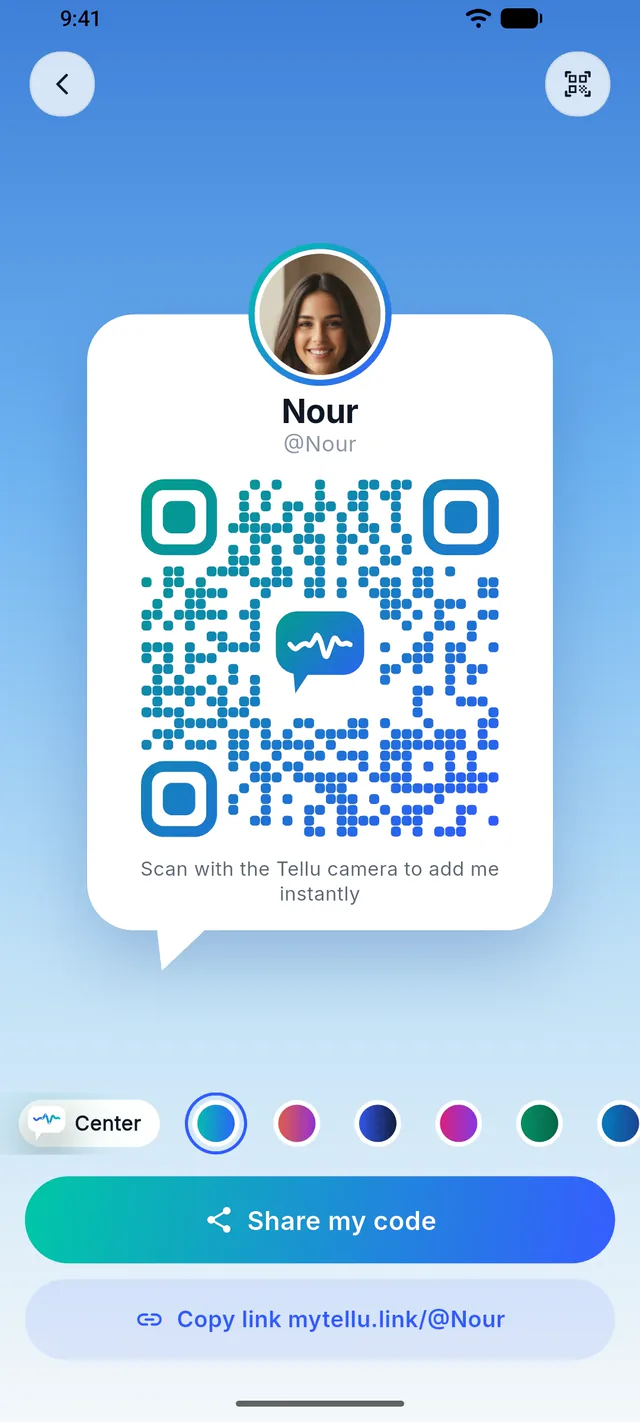
My Tellu ID
One ID for every way to reach you
Share your Tellu ID as a link or a code: your name and username, with no phone number or email. Anyone who scans it adds you straight away.
- A short mytellu.link address
- A QR code in the color you choose
- No number, no email
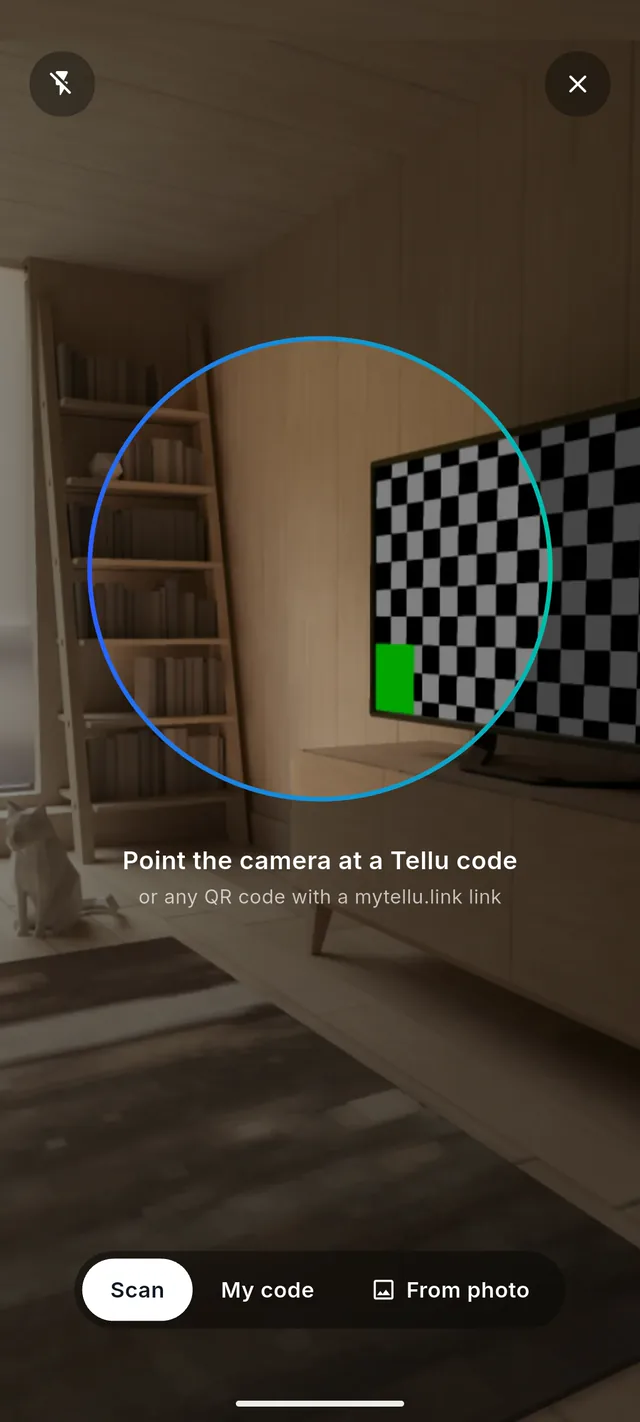
Scan
Point the camera. Done
From Add friend, open the scanner and point the camera at a Tellu code or any QR code with a mytellu.link address. Or choose “From photo” to read a code from an image you have.
- A scanner built into the app
- Reads codes from photos too
- Adds your friend instantly
How it works
Three steps and you’re in
1
Open People
Then “Add friend”.
2
Show your code or scan theirs
From the two tabs.
3
Start chatting
Right away.
Does someone who scans my code see my number?
No, only your name and username.
Can I change my username?
Yes, from your profile.
Your people are one message away
Get Tellu for free. Messages and calls between Tellu users are always free.
 Scan with your phone camera to get Tellu